Stream Training Videos on Your TV
0108_01

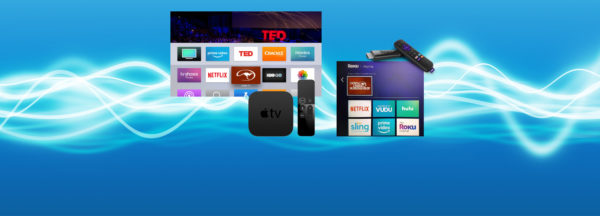
Stream the Method on Apple TV, Android TV, and Amazon Fire! Now you can view all of Clinton’s video content on your TV by simply adding the Downunder Horsemanship streaming app to your device. You’ll use the same login information you use for the Downunder Horsemanship app and the No Worries Club website to access your content.

From No Worries Club videos to training kits, you’ll be able to use your remote to play, rewind, fast forward and stop training content from the comfort of your couch.

How to Add the Downunder Horsemanship Channel to Your Account

To add the Downunder Horsemanship channel to your account if you’re using Apple TV, Android TV or Amazon Fire, perform a search for “Downunder Horsemanship.” When the channel appears, click on it to add it to your lineup.


More News

Back to all news

See All
FILES2f20152f062f0609_03.jpg.jpg

11 years ago

2014 Members: We Want Your Photos

If you joined the No Worries Club in 2014, we want to spotlight you and your horse(s) in the Journal….

Read More
0204_01

1 year ago

Ten’s First Dirt-Road Training Session

In the February No Worries Club exclusive, Professional Clinician Diego Gaona and his colt Ten head down the dirt road…

Read More
1227_03

7 years ago

You Made Our 2018 Walkabout Tour Season Awesome!

A huge thank you to all of our fans who attended a Walkabout Tour this year! Your passion for the…

Read More
1130_Tip

4 years ago

Training Tip: How to Stop a Horse From Putting His Tongue Over the Bit

Question: I have a 3-year-old Quarter Horse gelding that I bought just over six months ago. He was already “broke”…

Read More